Creating interiors

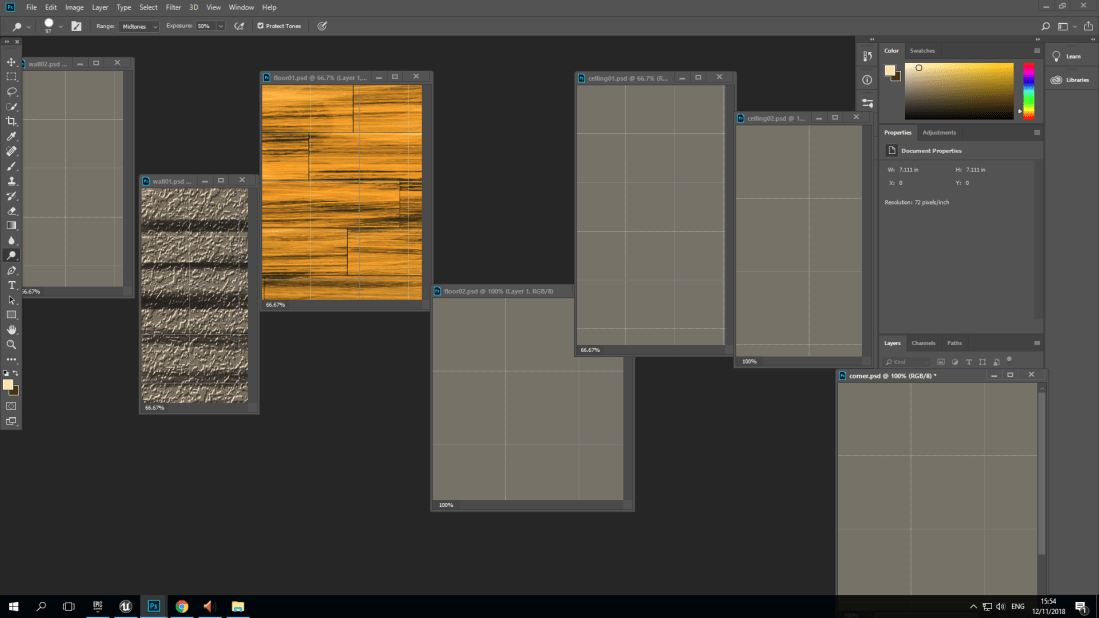
Here are two of my textures that I got of the internet but I adjusted and change the coloring in Photoshop I will use it for my interior for the wall and the floor but I will be creating more texture for the ceiling and door frame.
Screenshot (9)Screenshot (10).png

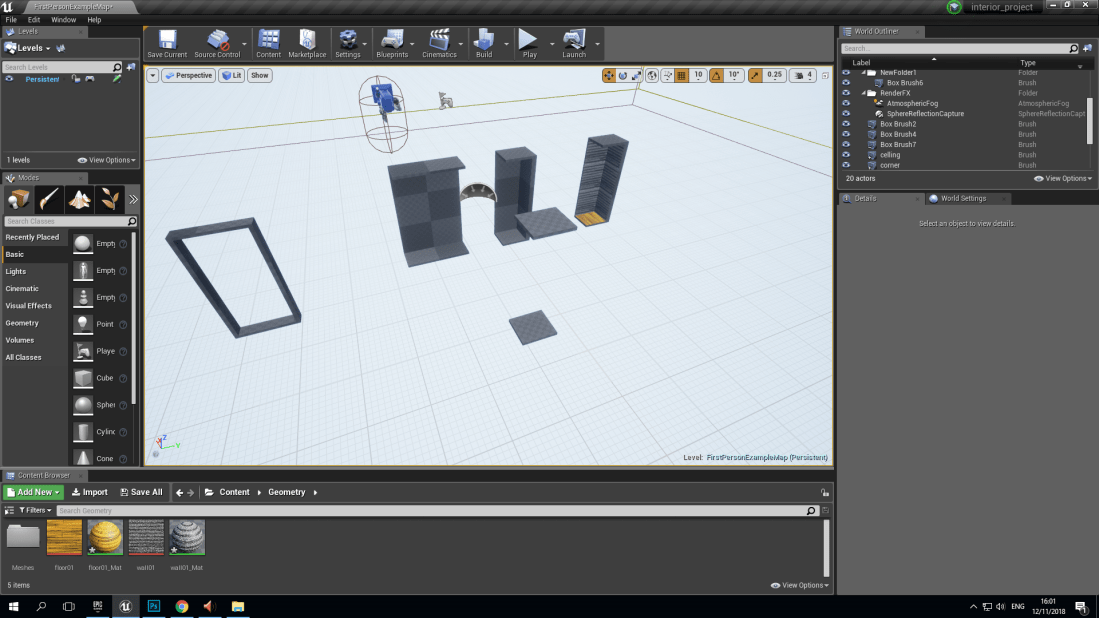
I  have also started to create the models for the interior in unreal of the wall, door frame, corner and ceiling I have some texture to the corner and I  had to make a new project in fist person.


Report
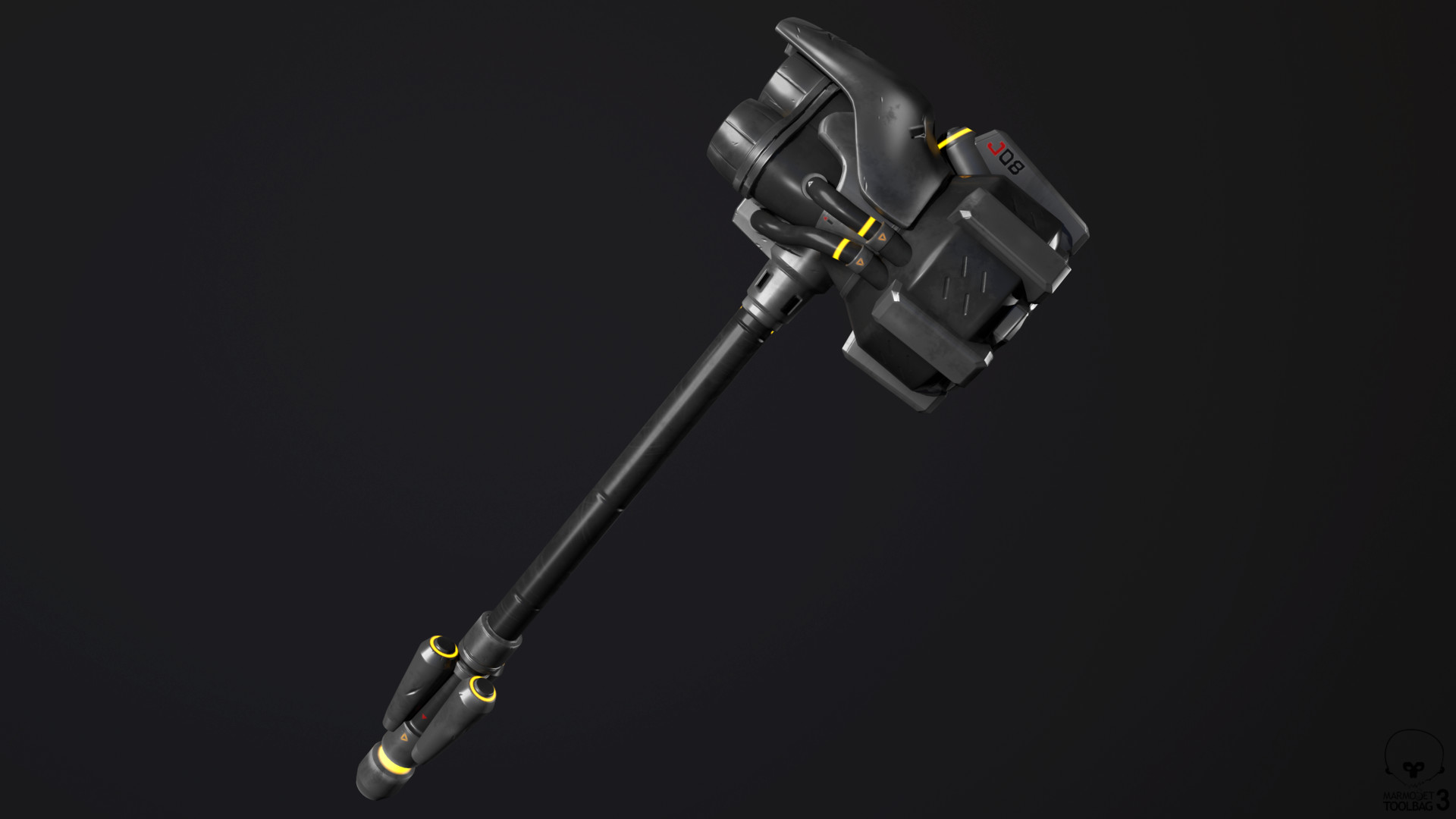
Image result for reinhardt's hammer
This is a rocket hammer wield by a character called Reinhardt from Overwatch the techniques used to make this 3D model ranges from textures, diffuse and opacity used in Photoshop or a software similar to it most likely has a high poly because Overwatch is a FPS so the hammer would be on the screen all the time when you play as him in the game, so it would be important to make the hammer look detailed and presentable.
Overwatch is a game that takes place in the future where robots/omnics become so advance and more like humans and are treated unfairly by some humans so when robots that are built for war loses control and go to war with humanity Germany’s response is to put big strong men and women in advanced knight like exo-suits and with those suits comes powerful rocket hammers the aesthetics of these hammers matches really well with the game the design of the hammer matches the style of the game the glowing lights makes it seam advanced.
Making a 3D model card


ss_16ss_17

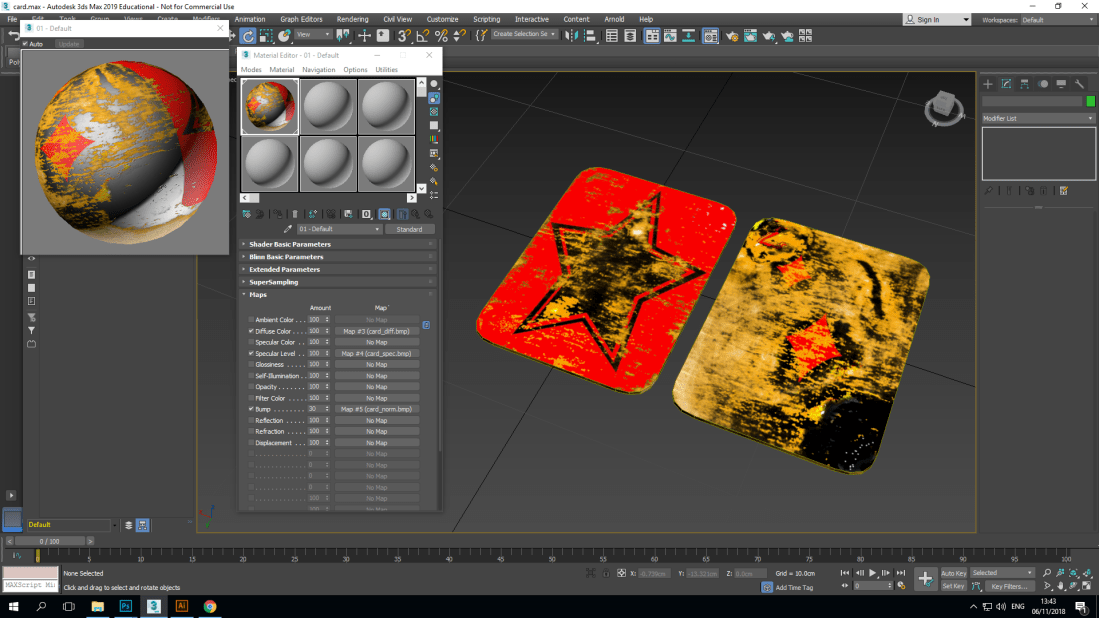
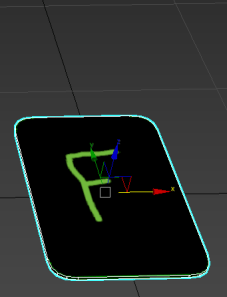
Using 3DS max I made a box the size of a normal card which is 14 cm in length and 9.5 cm in width and using a tool called uvw unwrap I was able to flatten out the card and see both faces and all the edges which would make it much easier to add texture and to change it.

Screenshot (3)
Creating shapes

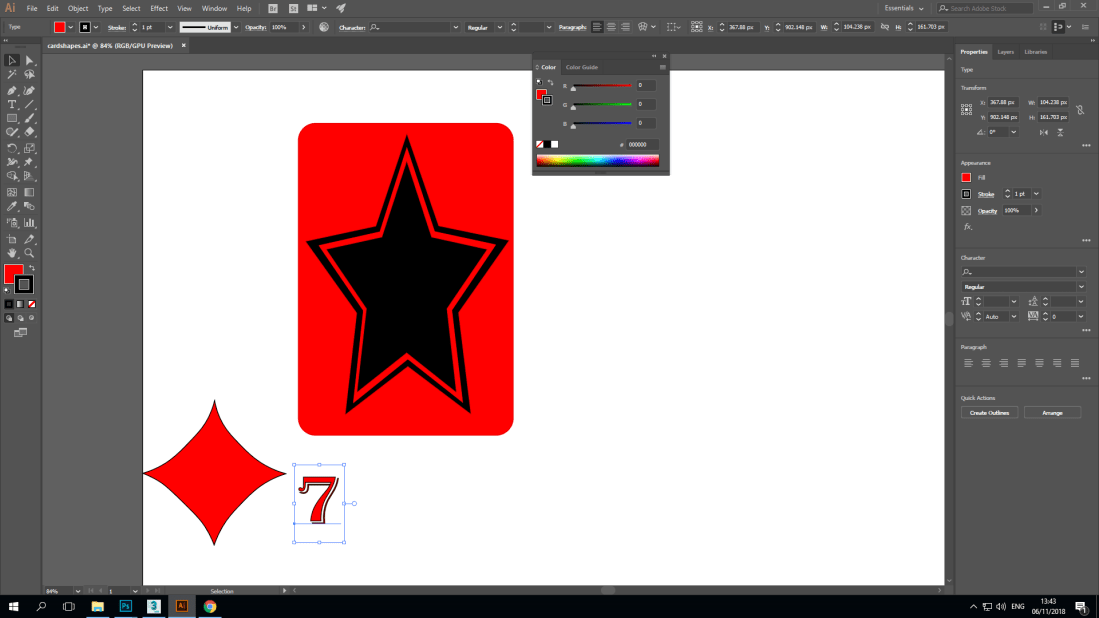
Once I was done creating my card and had unwrapped it are started Adobe illustrator to create shapes to add to my card the three shapes I created was a  diamond a star with a red background which would be the back of the card and the number seven.

Screenshot (5)
Adding texture

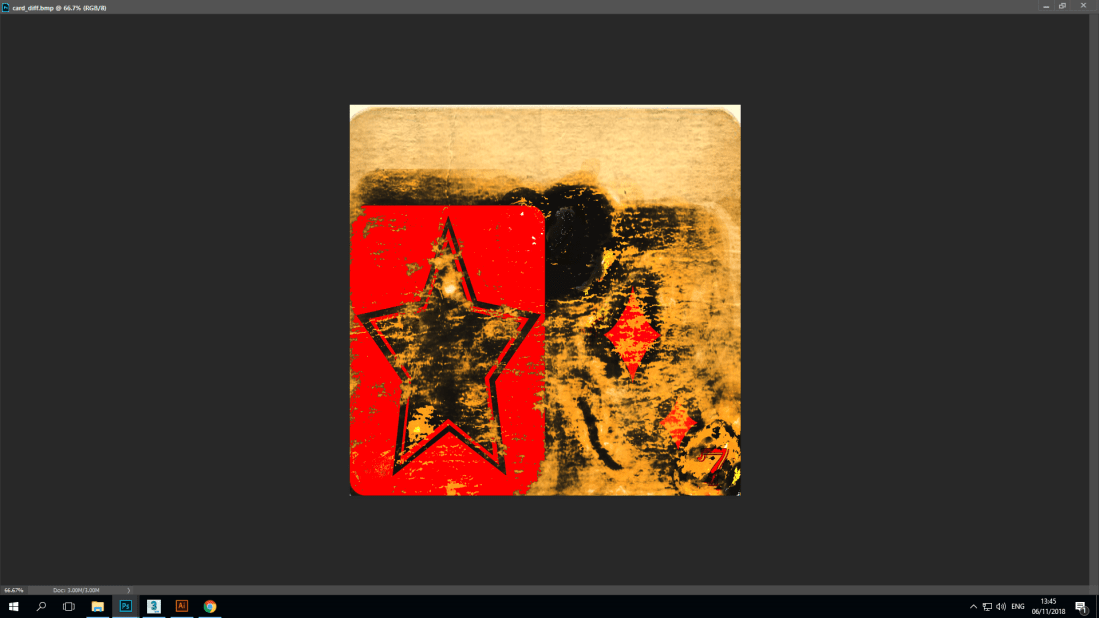
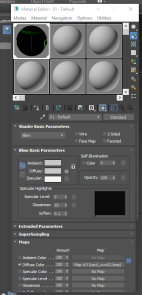
Using Photoshop I was able to add texture and detail to my card and the shapes I created to make it look as if the back of the card was scratched the front of the card was burned and old overall to make  the card  look like it has been through a lot.Screenshot (4)

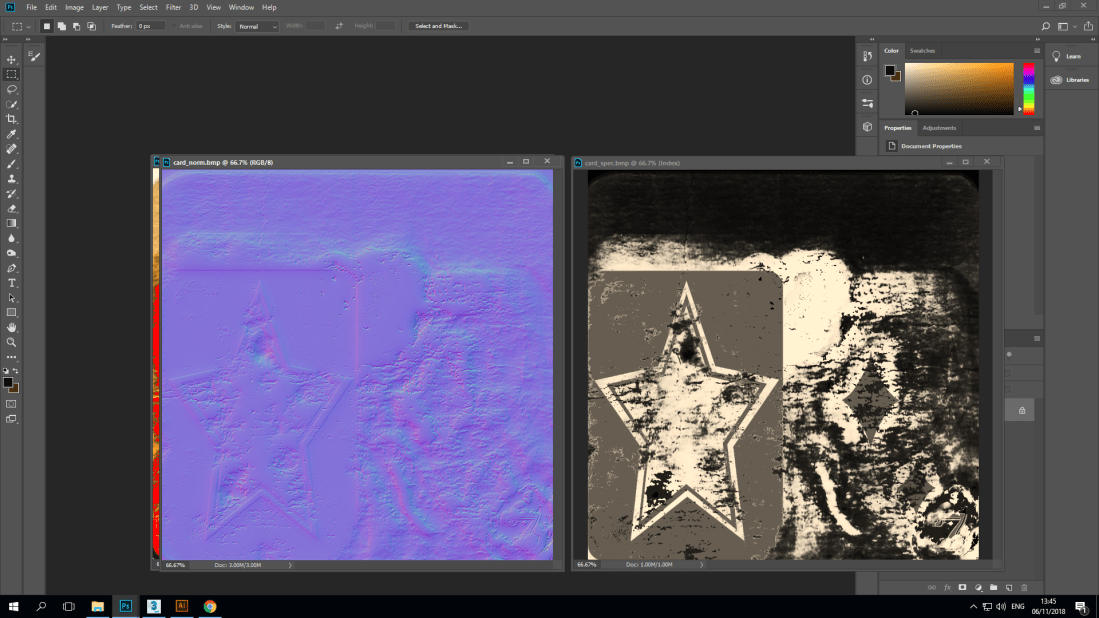
After I was done adding texture I then used spectacle to make  light appear on sections of the card and normal style to make the detail pop out more.

Screenshot (2)
Adding it to my card

At this point I exported the texture to my card in 3DS max then created a duplicate in-order to show both sides of the card.

Screenshot (6).png
Putting the card to the test

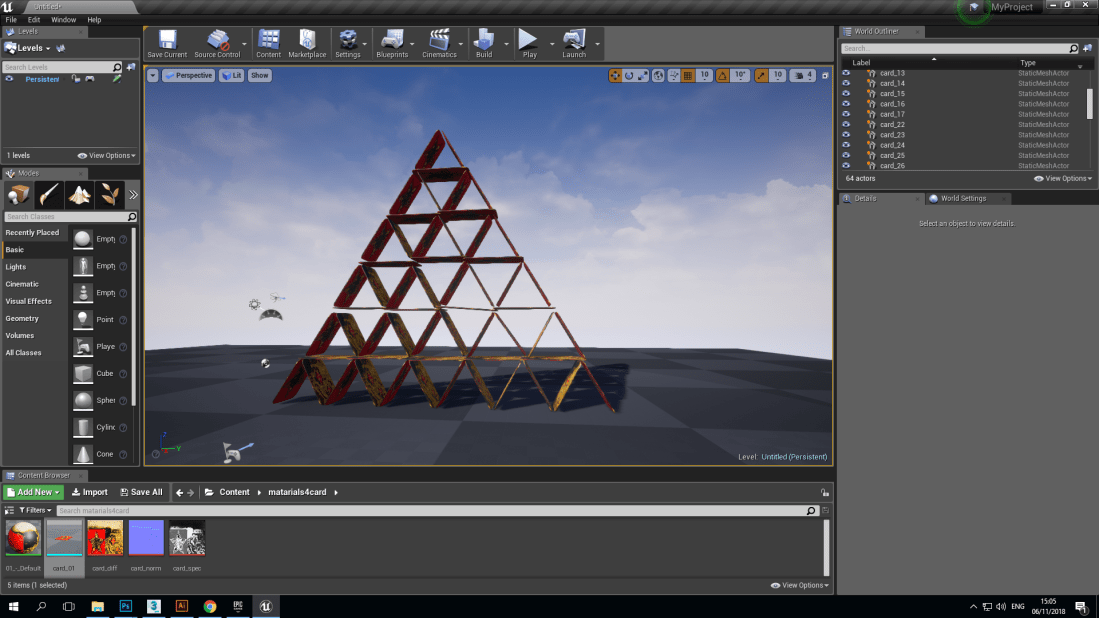
I then exported the card to unreal engine where I first scaled up the card and then adding physicist to it so once I created a card tower I was able to make fall over.

d1fwu8hrpmp11-e1540562281305
Report

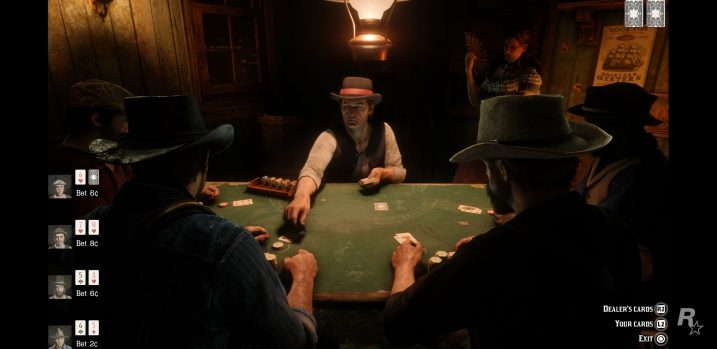
In red dead redemption 2 cards are used quite consistently because it ties in quite well with the time period that this game is set in where playing cards is one of the primary ways of entertainment the game is really detailed and the cards and the way characters interact with them are just as detailed. first of all the textures of the card are very good and is realistic and so is the physics but it is also tricks as well making it believably realistic such as the cards being handed out which is just a trick to make it easier to do but there are different cards placed on the table but the stack they come out of is actually one model and is not actually a stack of cards but actually is a different model but the individual cards spawn in when the characters do the action.


Summary of my project

What went well with my game is the fact that I created quite a difficult maze I learnt how to use some new tools and techniques and quite effectively and learning these  new skills have given me plenty of other ideas on other games to create using the physics tool.

In my project I feel like I could have added more texture to my game to make it look better and add more things to do instead of the player just completing the maze by getting to the treasure chest and instead collect things at the same time.

Coming to the end of my project

ss_13
End of maze

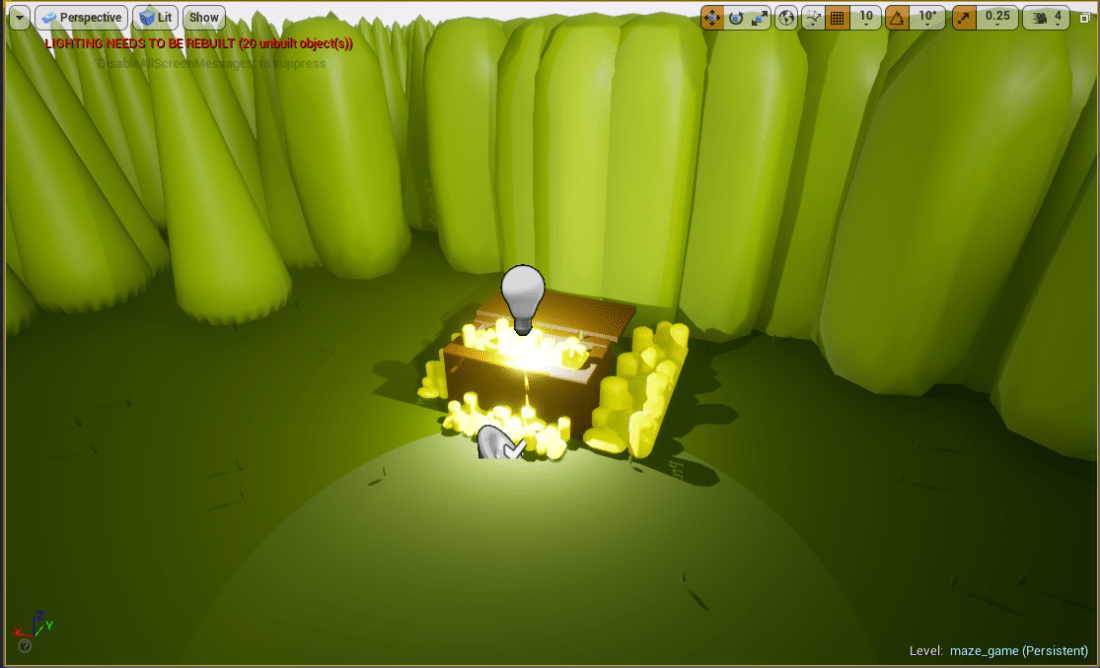
When you get close to the end you will be able hear a sound when you get really close to the chest so you know that you are close to it.

ss_14
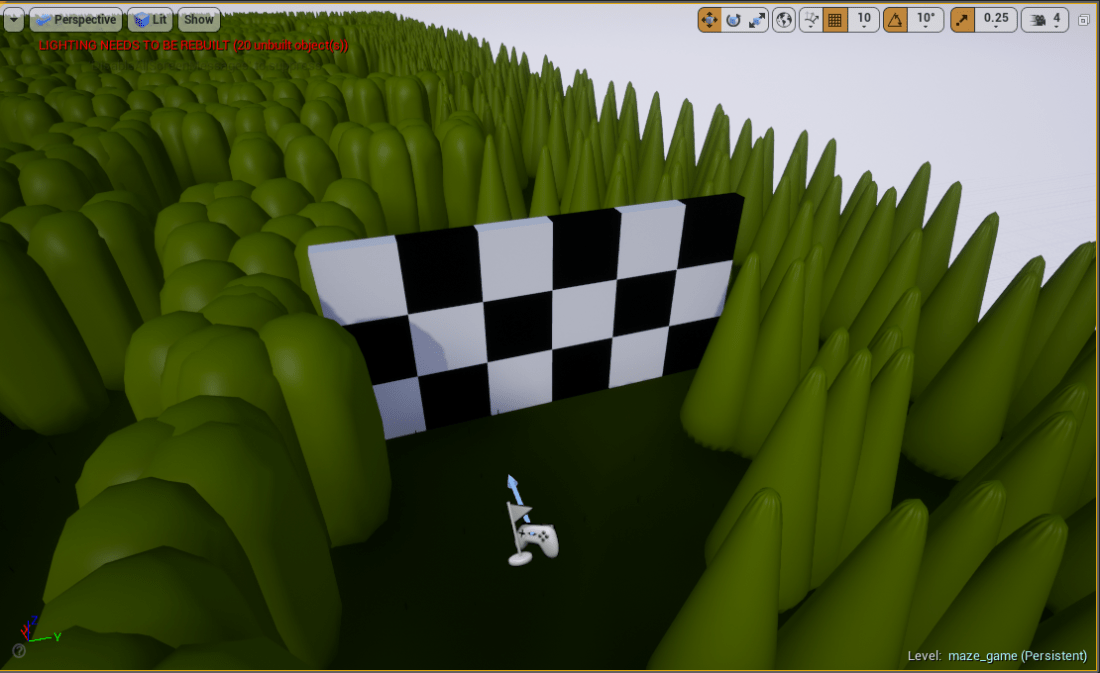
Start of maze

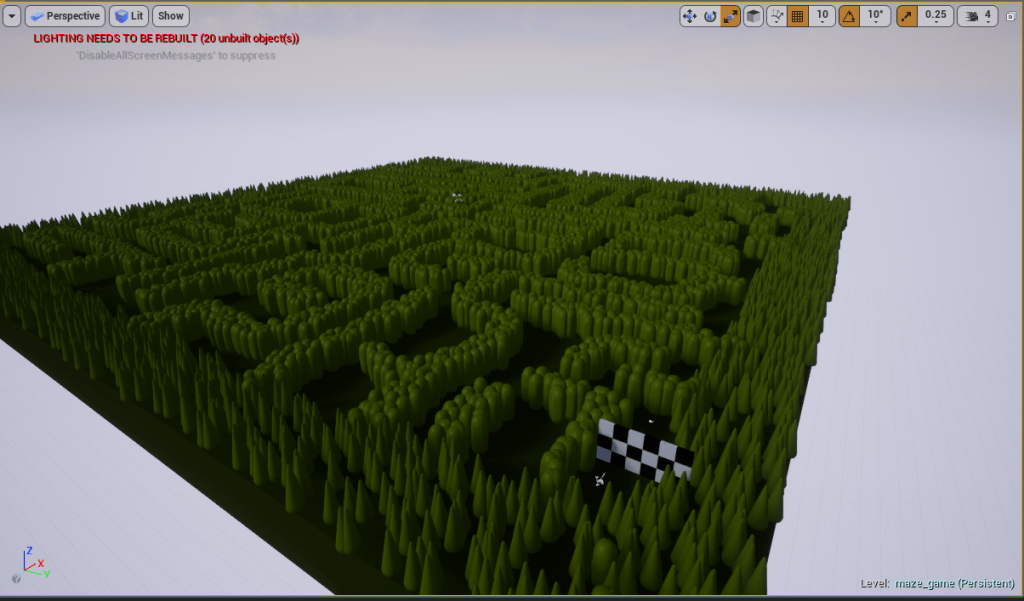
It is the final day of production and this is what my game looks like it has come together quite well and I am happy with how it looks I think there are a lot of things that I have not learned yet that I could have add in to my game but other than that I have pretty much made what I envisioned.

ss_15
Using 3DS max

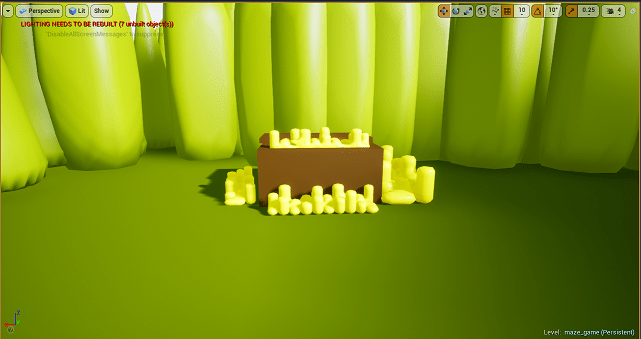
3DS max was a useful software that helped me create models and objects to put in my game such  as this treasure chest which would not have been done as easily in unreal engine as it was in 3DS max

Adding detail and new features

ss_09
What I have added to my project

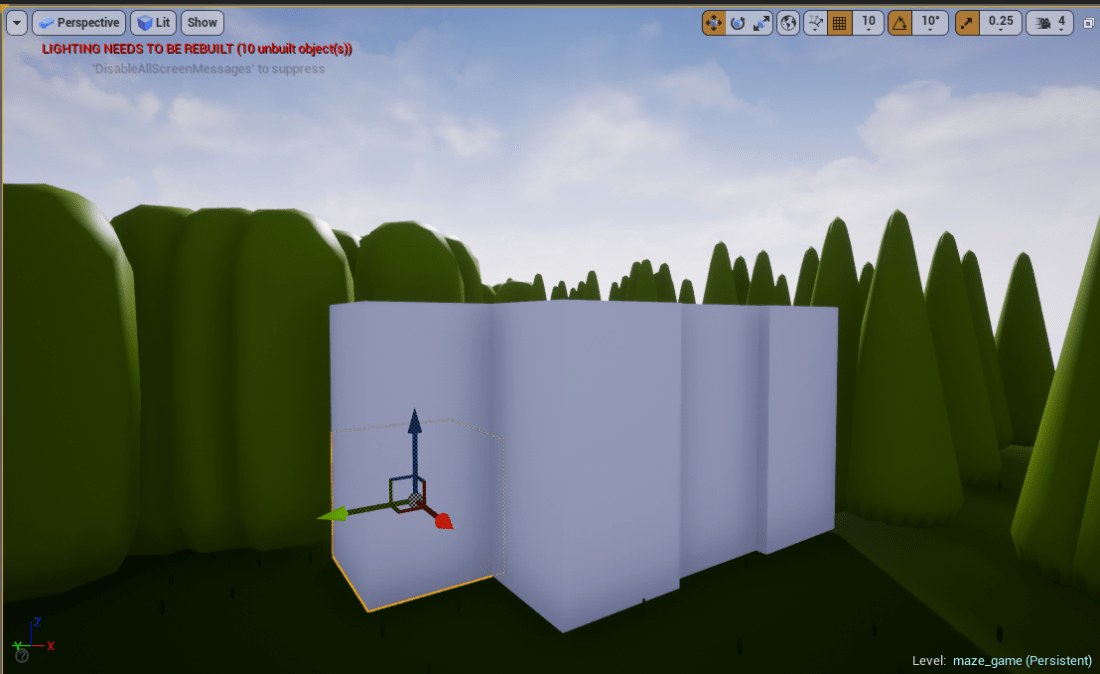
Today I learned how to use a tool called physics which allows you to interact with objects by moving them so how I have incorporated this in to my game  is by building up a wall of  cubes to allow the player to break through once they have reached the end of the maze which it is quite satisfying and enjoyable to watch. Learning this not only allowed me to add something to my game it has also given me a few ideas on what I can do for other projects.

ss_10
Adding a little more detail

I have added small models that are supposed to be grass just to make the ground a little bit more realistic.

SOUND I have also add music to my game so when you play the game music will be  played.


Creating my game and models

ss_06
Models I made in 3D max

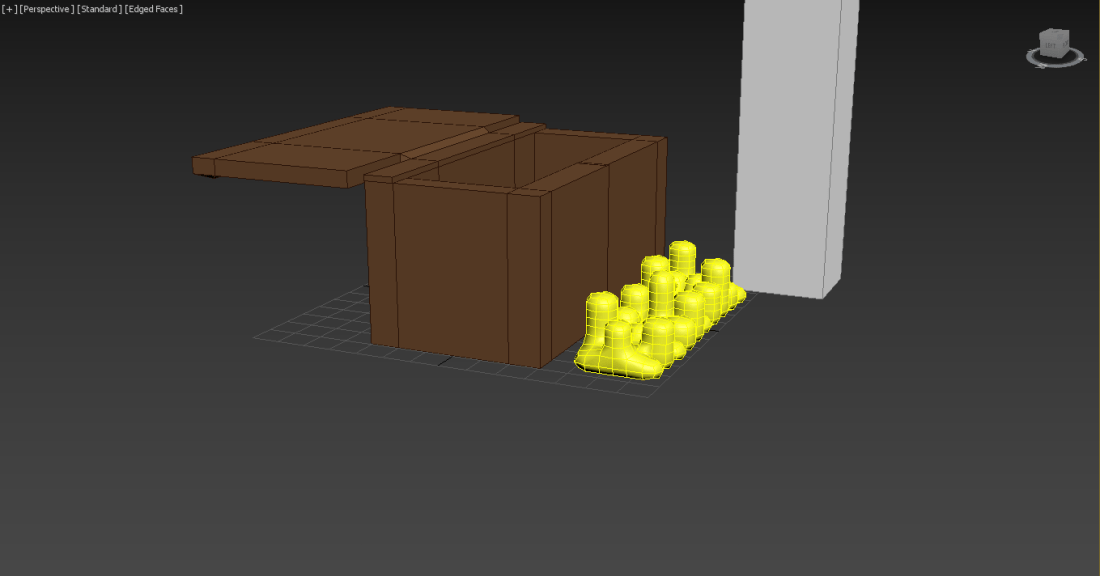
Using 3D max I models of a bush stacks of gold and a treasure chest and I combined the stack of gold and the treasure chest together to make the models look as such in the above picture.


ss_07ss_08

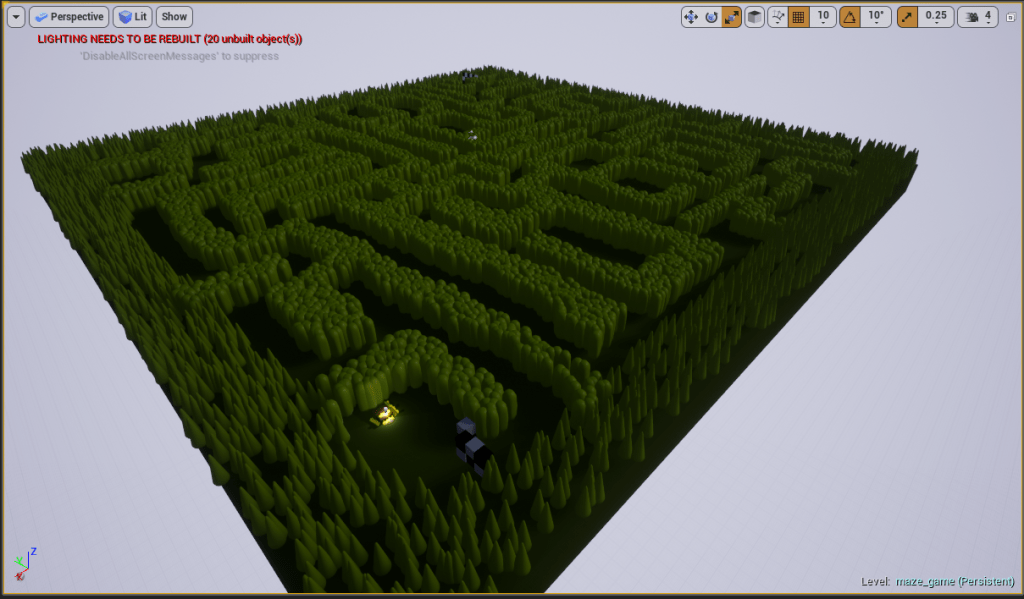
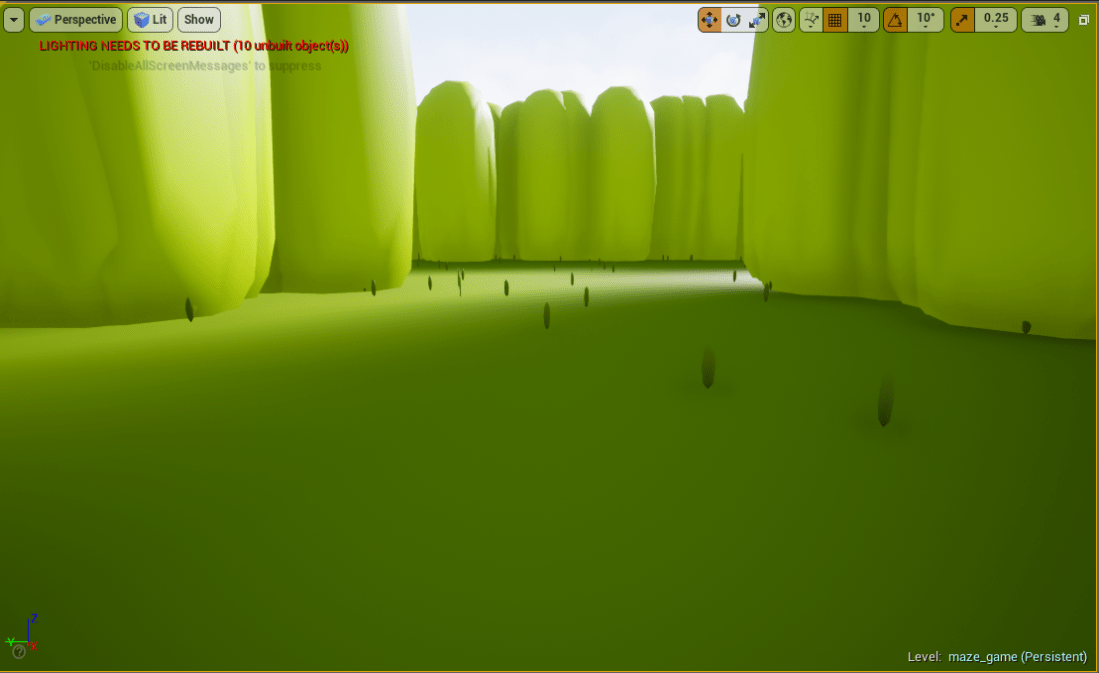
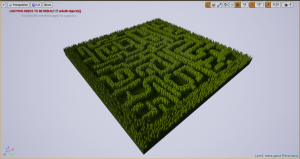
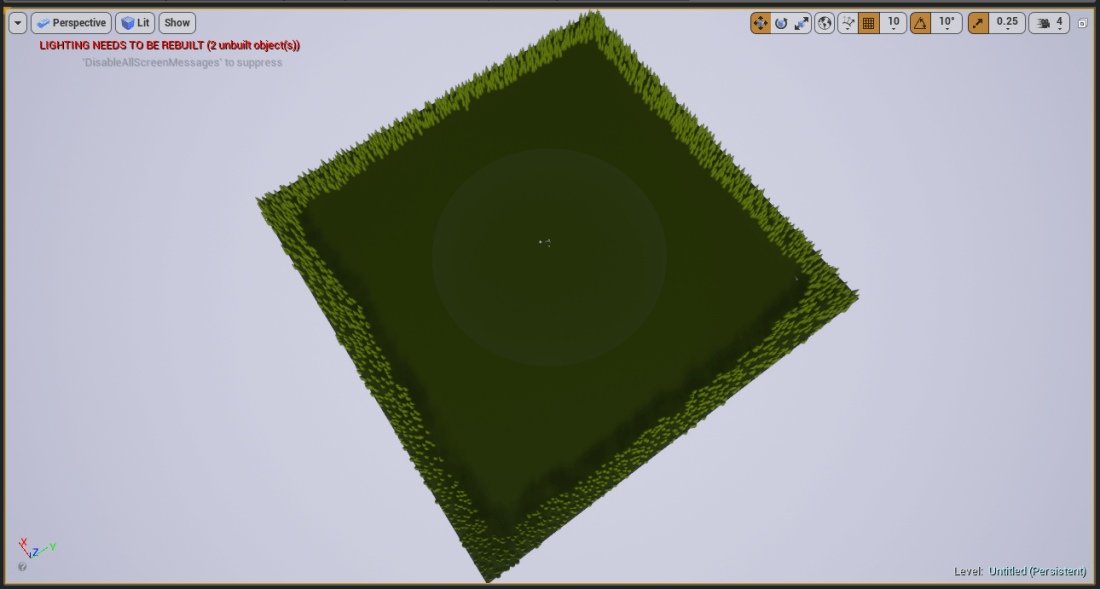
The bush that I made in 3D max was used to make to create the maze by using foliage tool I was able to layout my maze that you can now maneuver around in freely there quiet a few paths you can take but only some will lead you to the treasure I also made sure to put collision on to make sure the player doesn’t walk through the bushes.


My project: Making a maze game

ss_04.png
How it will be set out

My game will be a maze and you will have to find your way around the maze and get to a treasure chest that will be hidden in this game, my game will not be an open world game but it will take place on a spacious world where you will be able to navigate your way around the maze freely.

ss_05
My plan and sketches

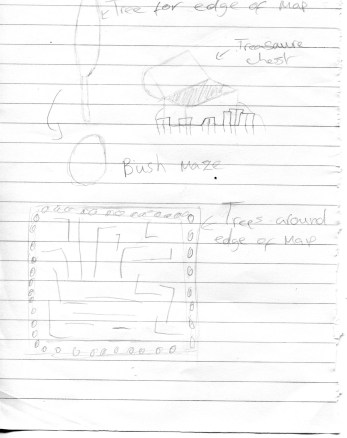
Before I started modeling the objects I was going to use I first sketched them out and briefly said how they would be used such as the trees being used around the edge of the map to stop you from running off and the bushes that I said would used to create the maze.


My first generative game


ss_01
My procedurally generated world

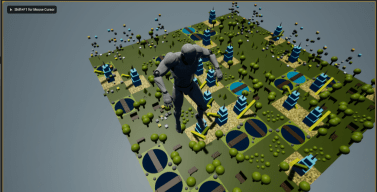
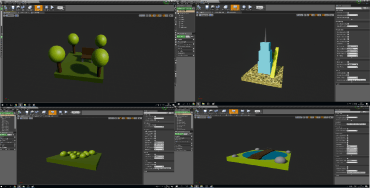
In the last two weeks I have been developing my own procedurally generated world which is a reasonably size world built up of smaller platforms with models that I have made my self using blueprints. I have six blueprints each of which consist of a platform with different models such as trees, bushes, rocks, a bench and a building.

ss_02
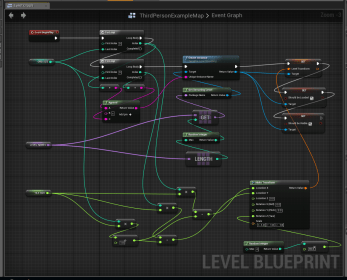
Event graph this is what allowed my world to be procedurally generated

By using the event graph I was able to make one big world out of multiple smaller worlds that I created which would rearrange each world to make the game look different each time you load it.

ss_03.png
Some of the worlds that I created

The small worlds that I created are made out of 3D shapes like a cube which I had used to create the base of each world, cone used to make the top of trees, cylinders which was used to make the trunk of the trees and spheres that were used to make bushes. I also changed the colour of each shape to not only make my world colourful but to also make the models look some what more realistic like making the shapes that I used to make my trees green and brown or my building light blue to make it look like a glass building by changing the colour of your world it can really add more to the game.